
Recommended Software and Filters
The following is a list of recommended software to install on your student’s computer before the first day at Ohr Zahava.
Each student is required to have his own laptop, its advisable to use a chromebook or a laptop with a screen size not bigger than 15”(11 to 13” recommended) so that it is not to heavy for the student
Recommendations:
- Create a separate user for your student to use on Windows this will make things easier to manage and easier for your student to navigate around their account. Make sure the windows pin is easy to remember. Instructions on creating a Windows User
- Download this ==> recommended software package <== and run it to install the following software all at once: chrome zoom, teamviewer, foxit PDF Reader, and 7zip zip extractor. The package installs the clean version of this software and if you run it again once install it updates all that software all at once.
- Delete all other browsers from your student’s account so he only has chrome as an option.
- Set Chrome as the default Browser.
- Set up the bookmark bar with links your student needs to remember.
- Download the google Family App and create a student Gmail account email with google, this will provide basic filtering and allow you to control the content and reset passwords from your phone.
- Make sure to set up a password for gmail that is easy for your student to remember
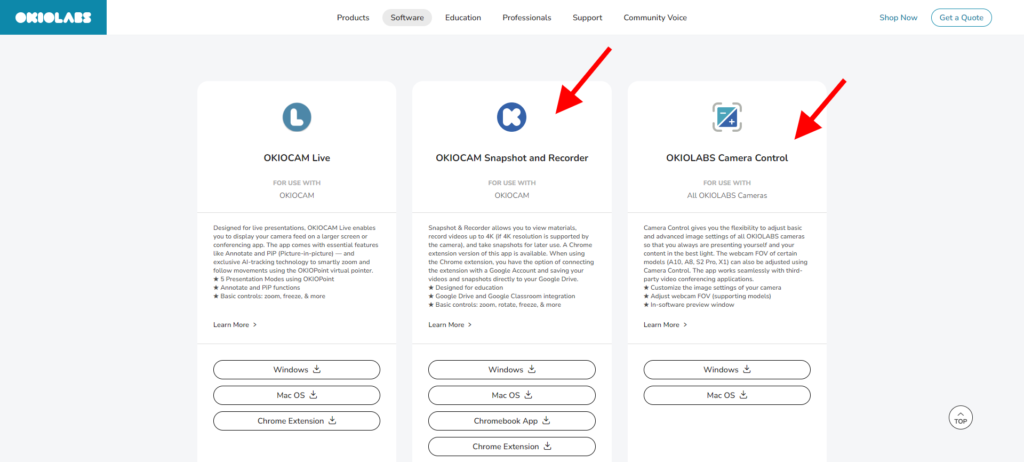
- Okiolabs Camera Drivers https://www.okiolabs.com/apps-software-download/
Internet Filtering
Google Family Link https://families.google/familylink/ for Basic Filtering
Stricter Filtering options
- https://www.qustodio.com/en/
- Kosher internet filter options: https://mraberthon.com/kosher-mobile-internet-filter/#bestfilter
We will have a technology day before school starts where we go over any questions and help with additional configurations that will help your child be ready to go on day one.